
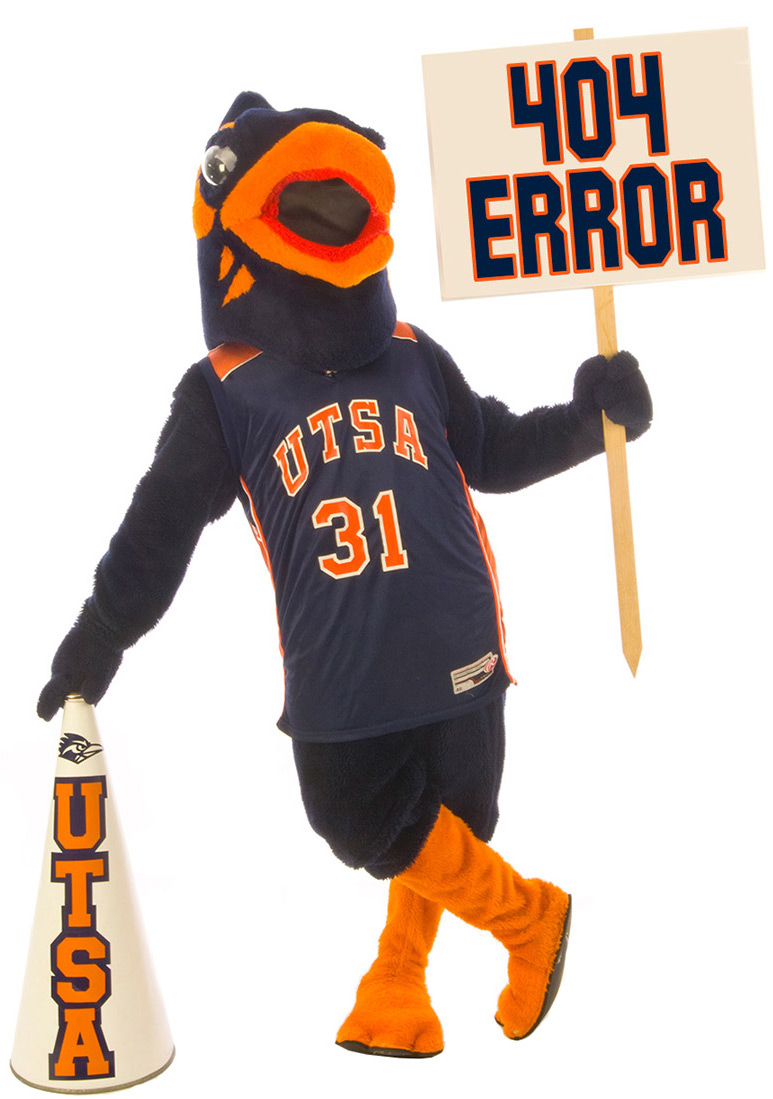
PAGE NOT FOUND
The page or file you were looking for may have been moved or is not available because of :
- an out-of date bookmark, or
- a search engine which needs to be updated, or
- a mistyped address.
Try a search
Found a broken link?
UTSA Faculty, staff and students: Please submit a ticket to ServiceNow.
or please send an email to techcafe@utsa.edu and let us know the address of the page and we'll fix it. Your assistance is greatly appreciated!
Visit our home page
The UTSA home page is a great place to start looking for information on the Web. From there you can find people, departments, programs, on-campus activities, publications and much more.
Thank you for visiting The University of Texas at San Antonio!
