
Below are instructions on how to submit grades changes online from Faculty Self Service
From the Online Grade Change page, view and/or update current grades in a student’s academic history. This is not a view of the initial grade entry page.
Grade changes from an “IN” (Incomplete) to a letter grade must be made no later than the end of the final examination period, one year from the semester the Incomplete was assigned, and before the student’s graduation. Courses with an “IN” grade that have not been changed by the deadline will automatically be converted to a grade of “F" or "NC."
The Online Grade Change should not be used in the following circumstances:
The above grade changes must be submitted to the Office of the Registrar using the most current paper version of the Change of Grade Form with all required signatures in place.
Login: https://ssbprod.utsa.edu/FacultySelfService
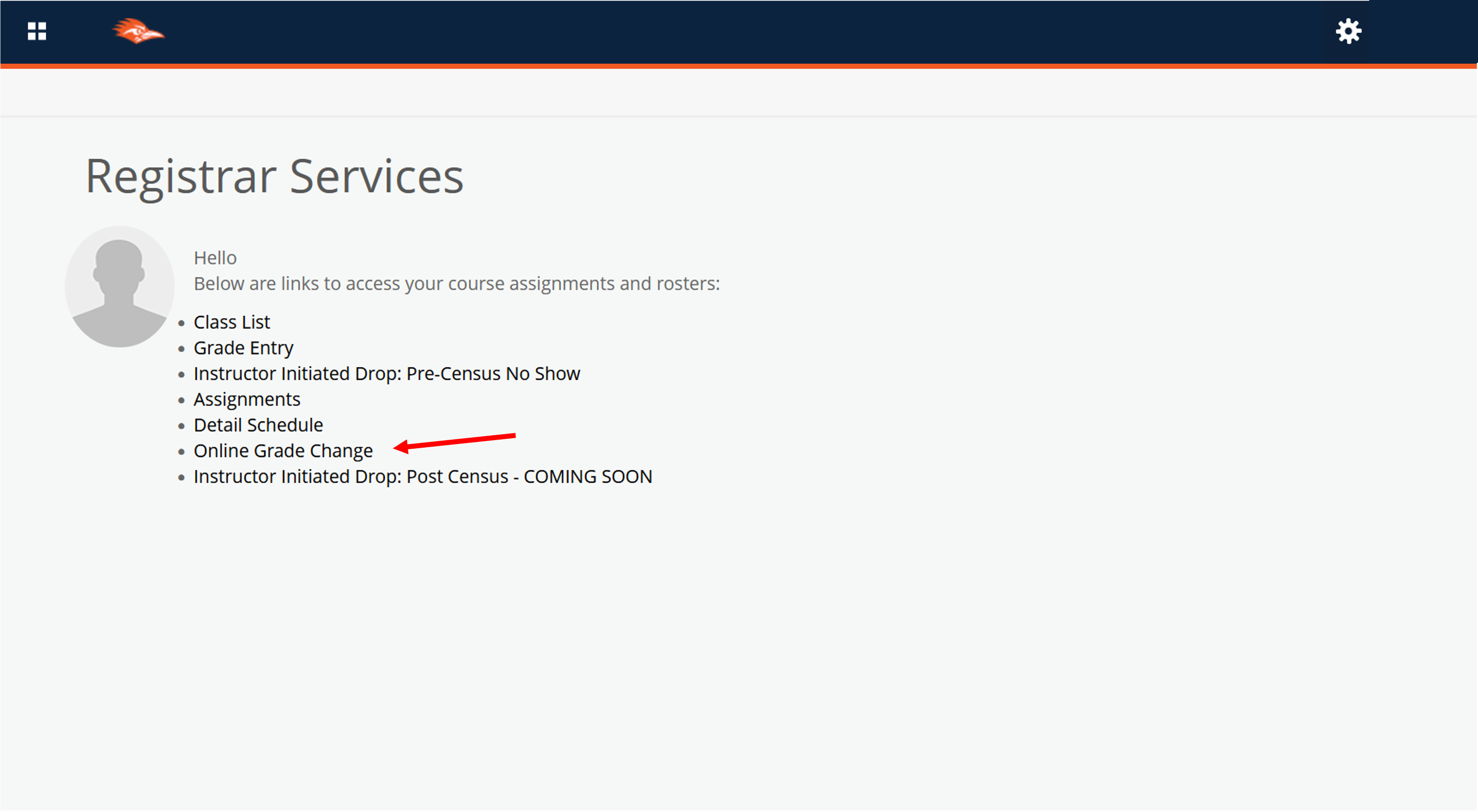
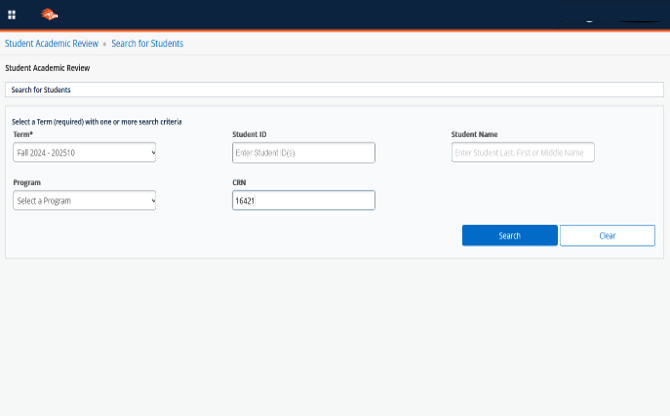
Note: Selecting a CRN will return a roster of students from which you can select a specific student.
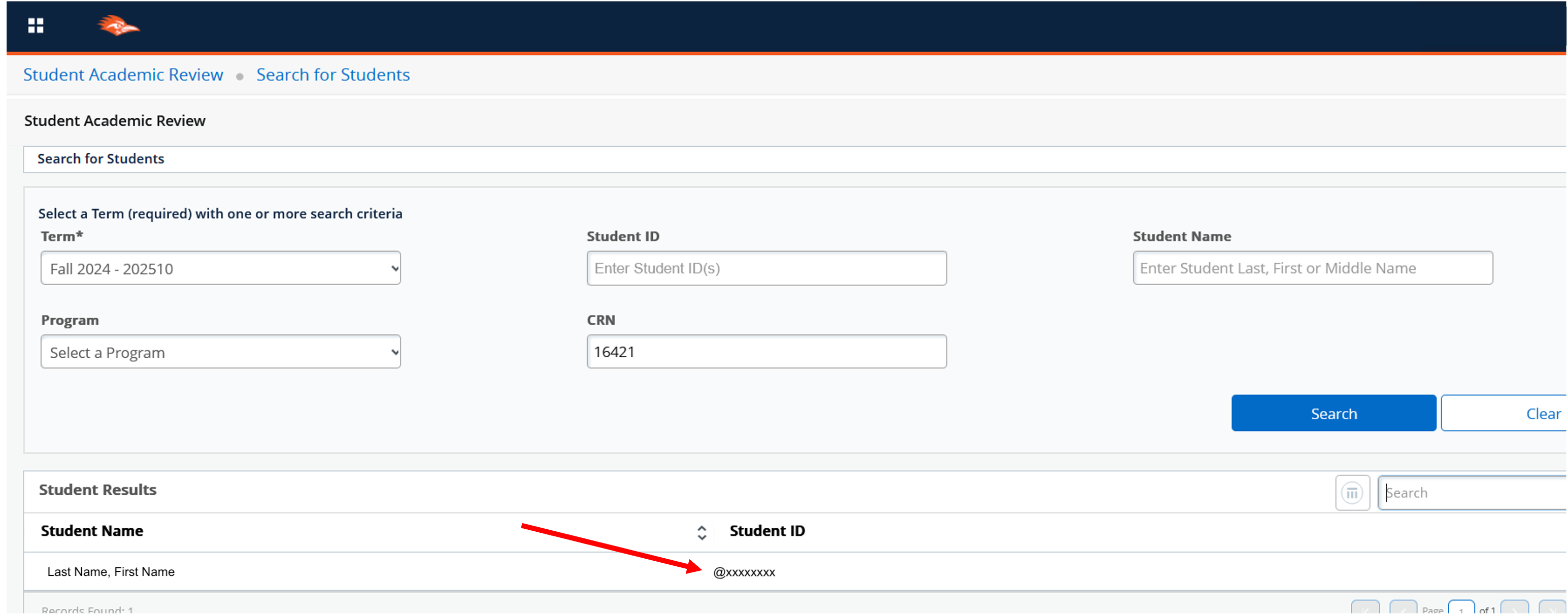
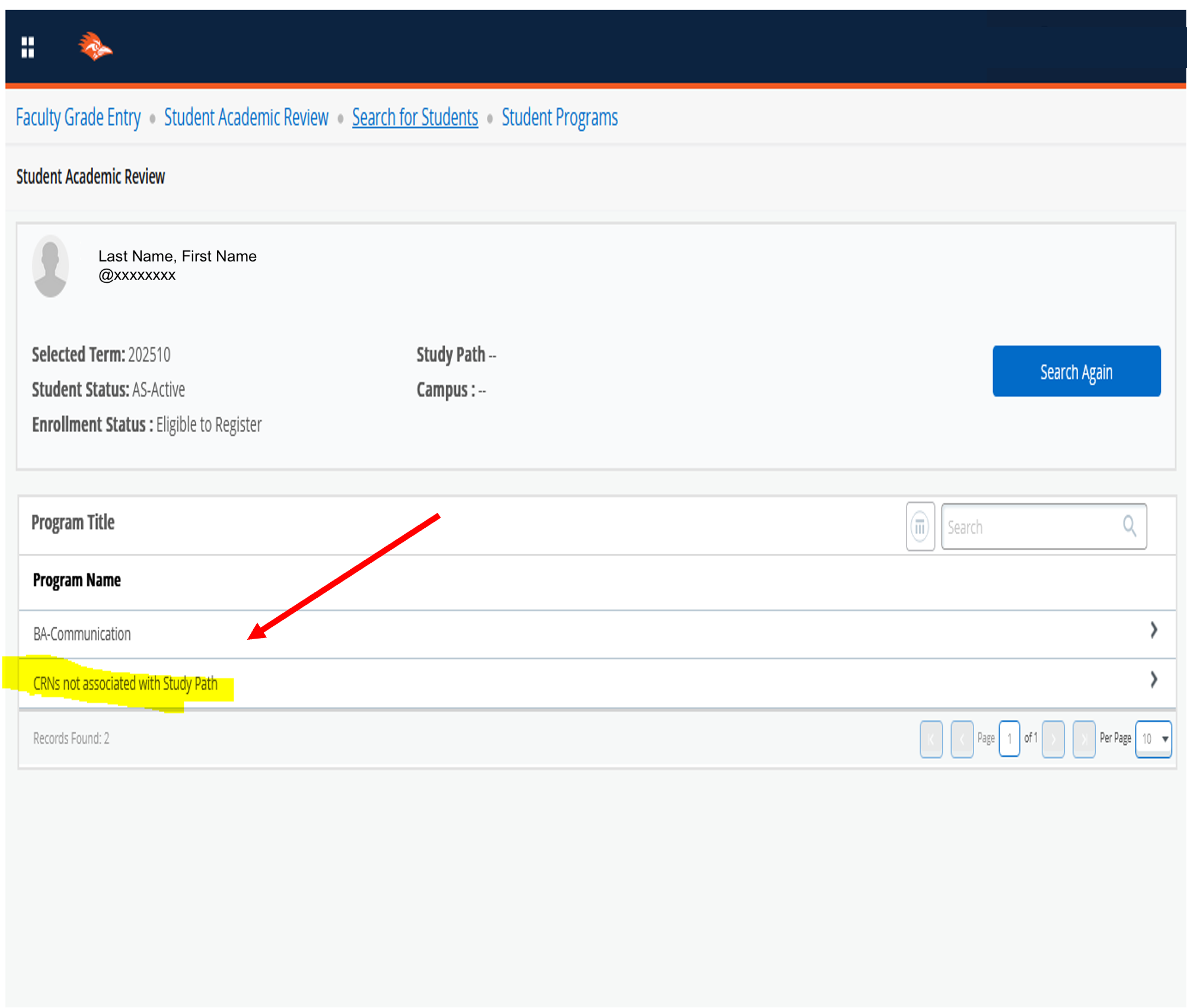
To view and change the grade assigned, select either option under Program Name.
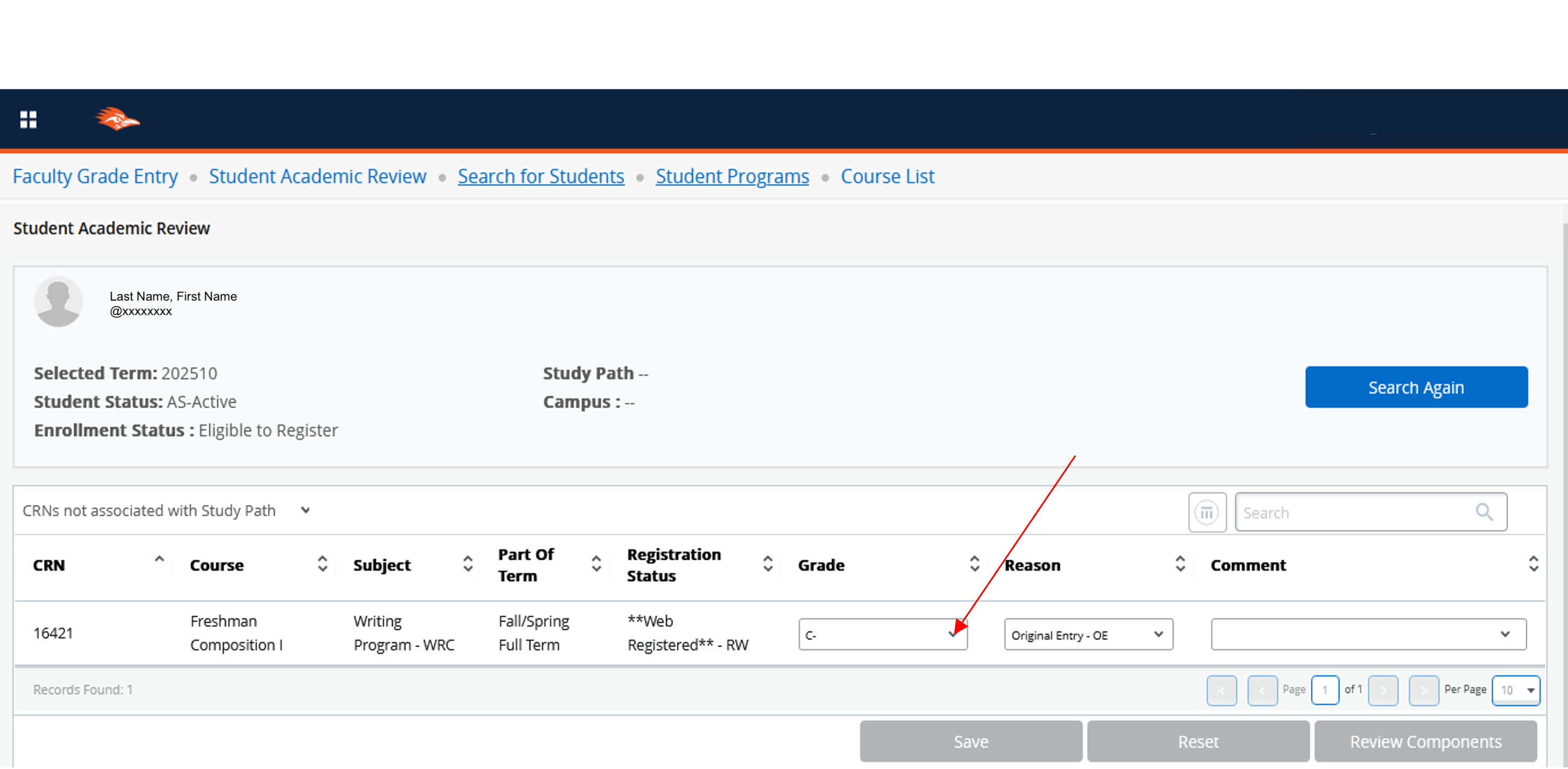
Select the drop down next to the grade to assign a new grade.
NOTE: If the drop-down is not available, then the window to change a grade has expired. Contact records to change a grade with extenuating circumstances.
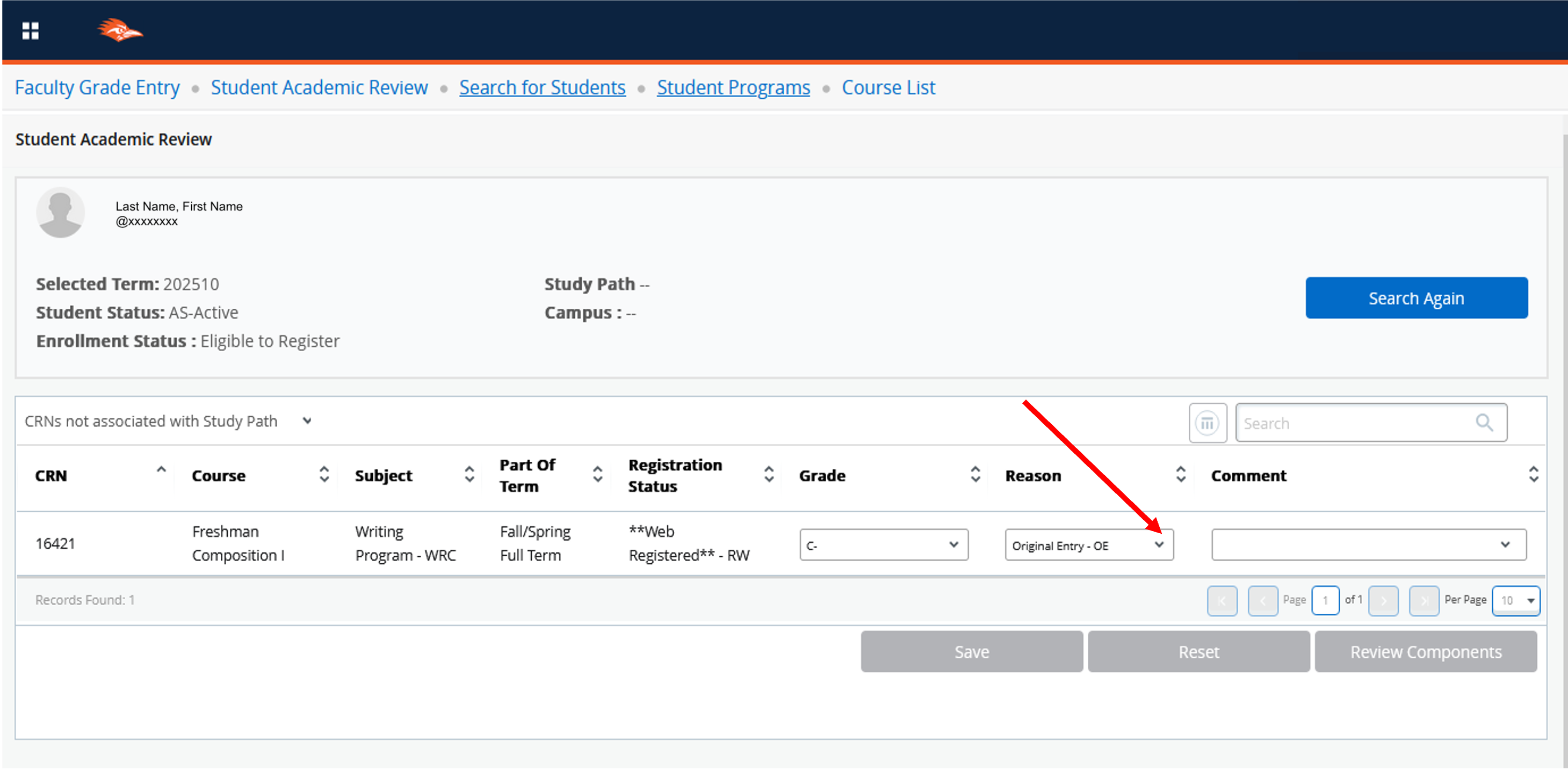
The only acceptable reason for changing one letter grade to another letter grade is IC – Instructor Correction

The only acceptable reason for changing IN to a letter grade is MC - Make-up work complete.

The only acceptable reason for changing NR to a letter grade is LG - Late Grade.

Rationale for a grade change completed for a student athlete is required. If you are aware that the grade change being submitted is for a student athlete, please enter a Comment. If no comment is entered for a student athlete, please respond to the email from the Office of the Registrar that will be forthcoming.
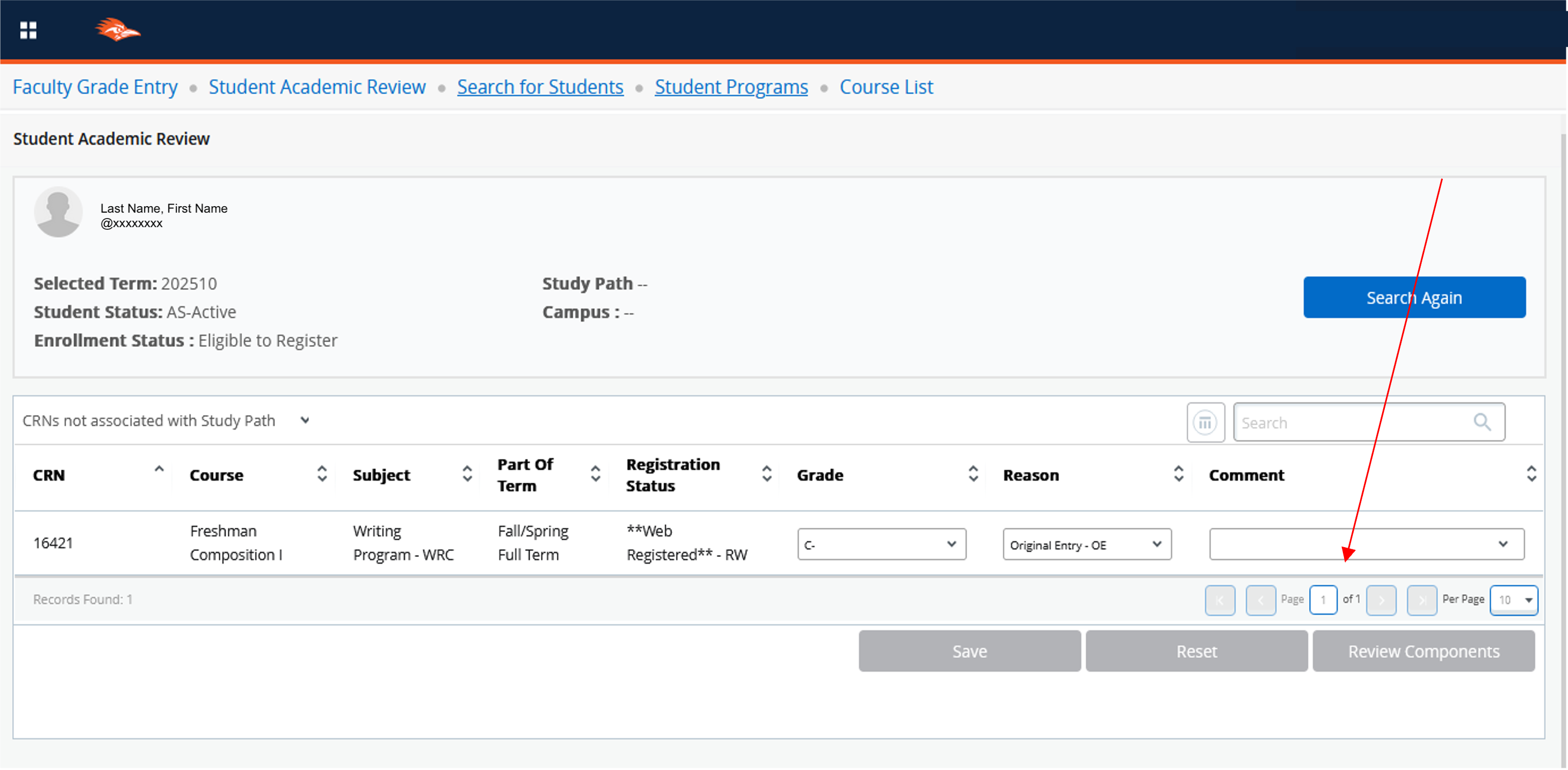
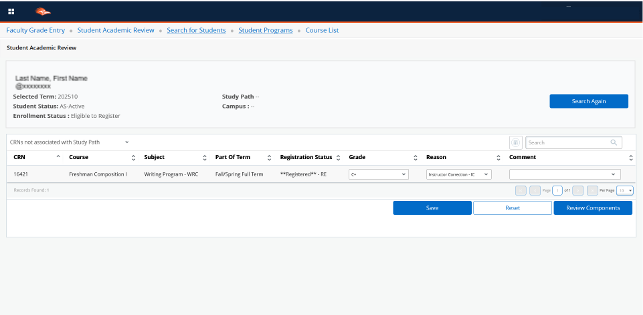
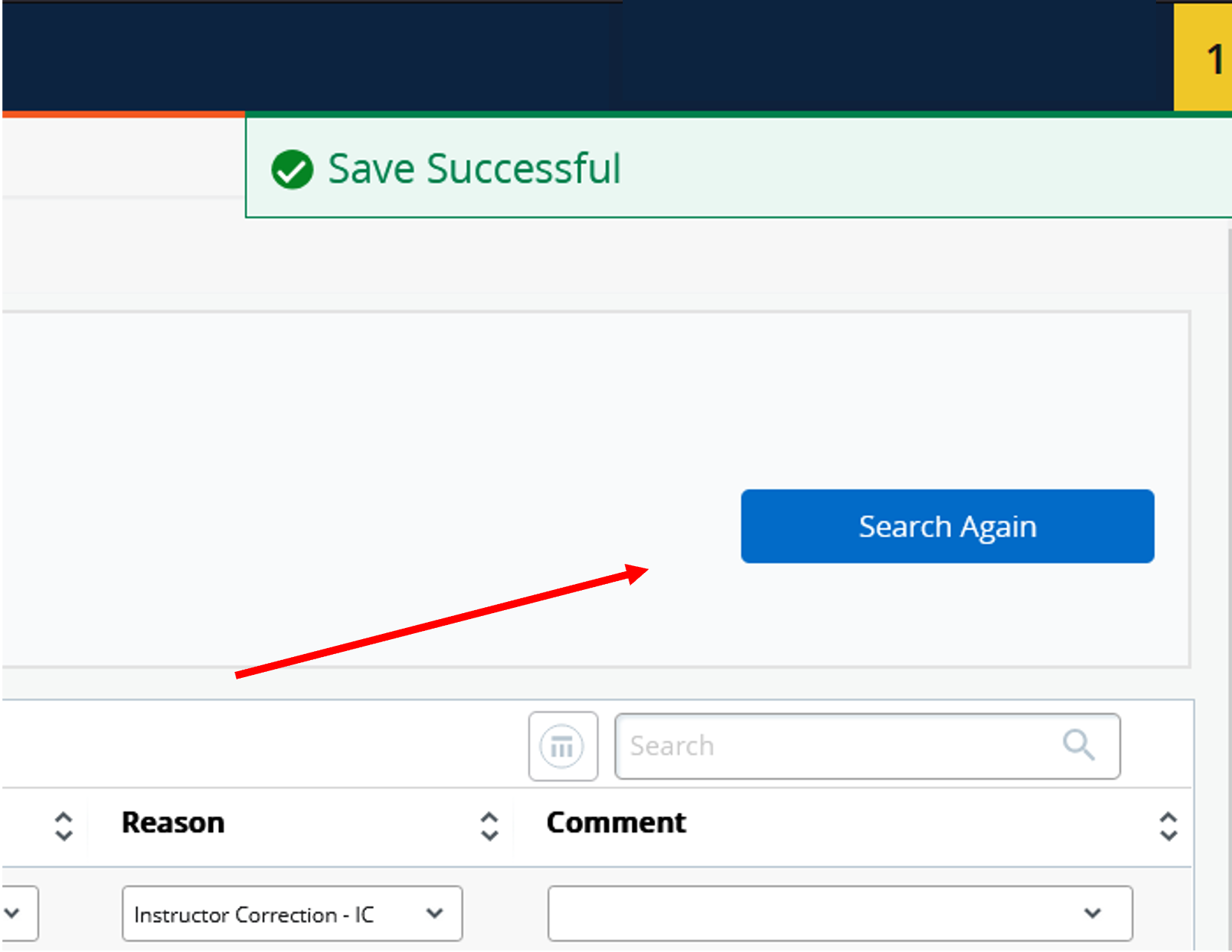
Select Search Again to return to the roster selected or to search for a new student.
 One UTSA Circle, San Antonio, TX 78249
Information: 210-458-4011